BenQ PD2700U DesignVue
The workhorse monitor for color-critical work. 4K resolution and factory-calibrated color precision without the gaming monitor gimmick tax.
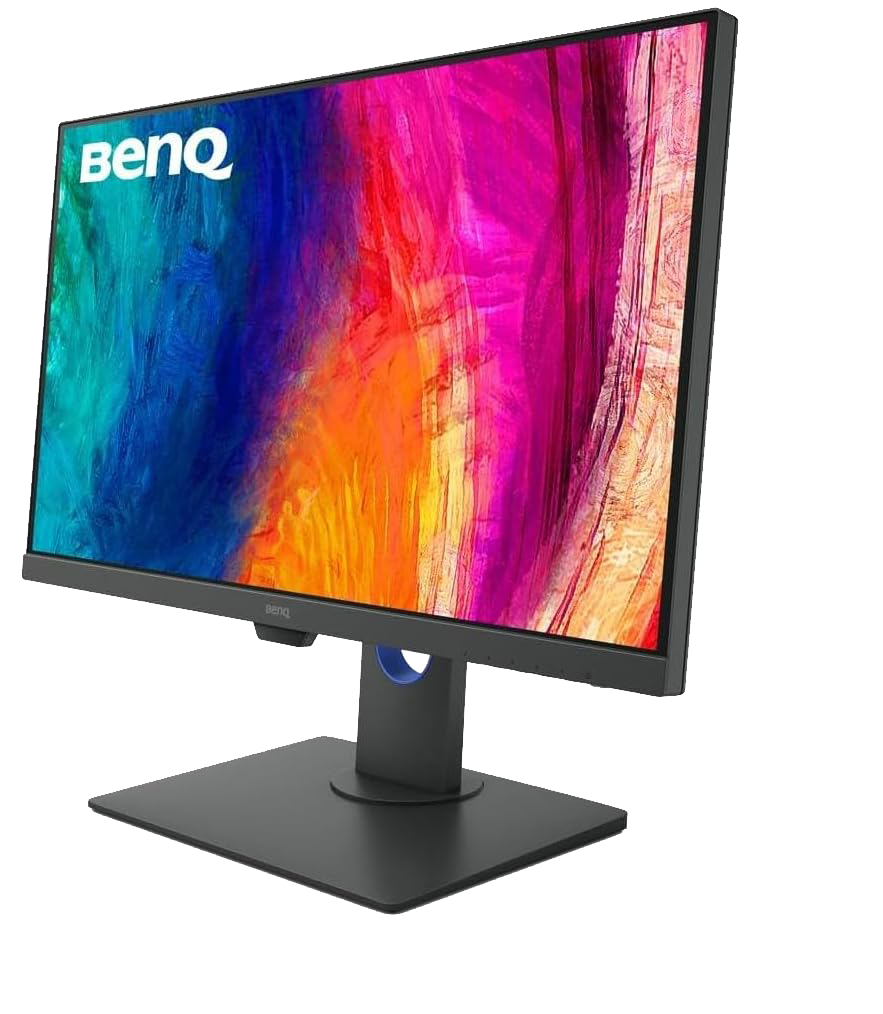
Tech Specs
- Size 27 inch
- Resolution 3840 x 2160 (4K UHD)
- Panel IPS
- Color 100% sRGB / Rec.709
Best For
The Good
- • Factory calibrated with report included
- • KVM Switch built-in (control 2 PCs)
- • CAD/CAM and Darkroom modes
- • Matte anti-glare coating is excellent
The Bad
- • 60Hz refresh rate (not for gaming)
- • Bezels are slightly thick by modern standards
- • HDR support is basic
Pixel Perfect
When you are painting details on a 4K texture map, a 1080p monitor doesn’t cut it. The BenQ PD2700U offers the crispness and real estate needed for modern high-res workflows.
Color Confidence
The worst feeling as an artist is realizing your painting looks “muddy” on someone else’s screen because your monitor lied to you. BenQ’s DesignVue series is factory calibrated. When you set it to sRGB mode, you can trust what you see.
Productivity
The 27-inch 4K Form factor is the “sweet spot” for density. You can fit your viewport, reference images, and Spotify all on one screen without it feeling cramped. The built-in KVM switch is also a lifesaver if you toggle between a workstation and a laptop—one keyboard/mouse controls both.
Verdict
It’s boring, in the best way possible. It turns on, displays perfect colors, and never gives you trouble. It is a piece of infrastructure that lets you forget about technology and focus on art.