Huion Kamvas 22 Plus
The screen tablet that democratized digital art. Stunning QLED color and etching that rivals Cintiqs for a fraction of the cost.
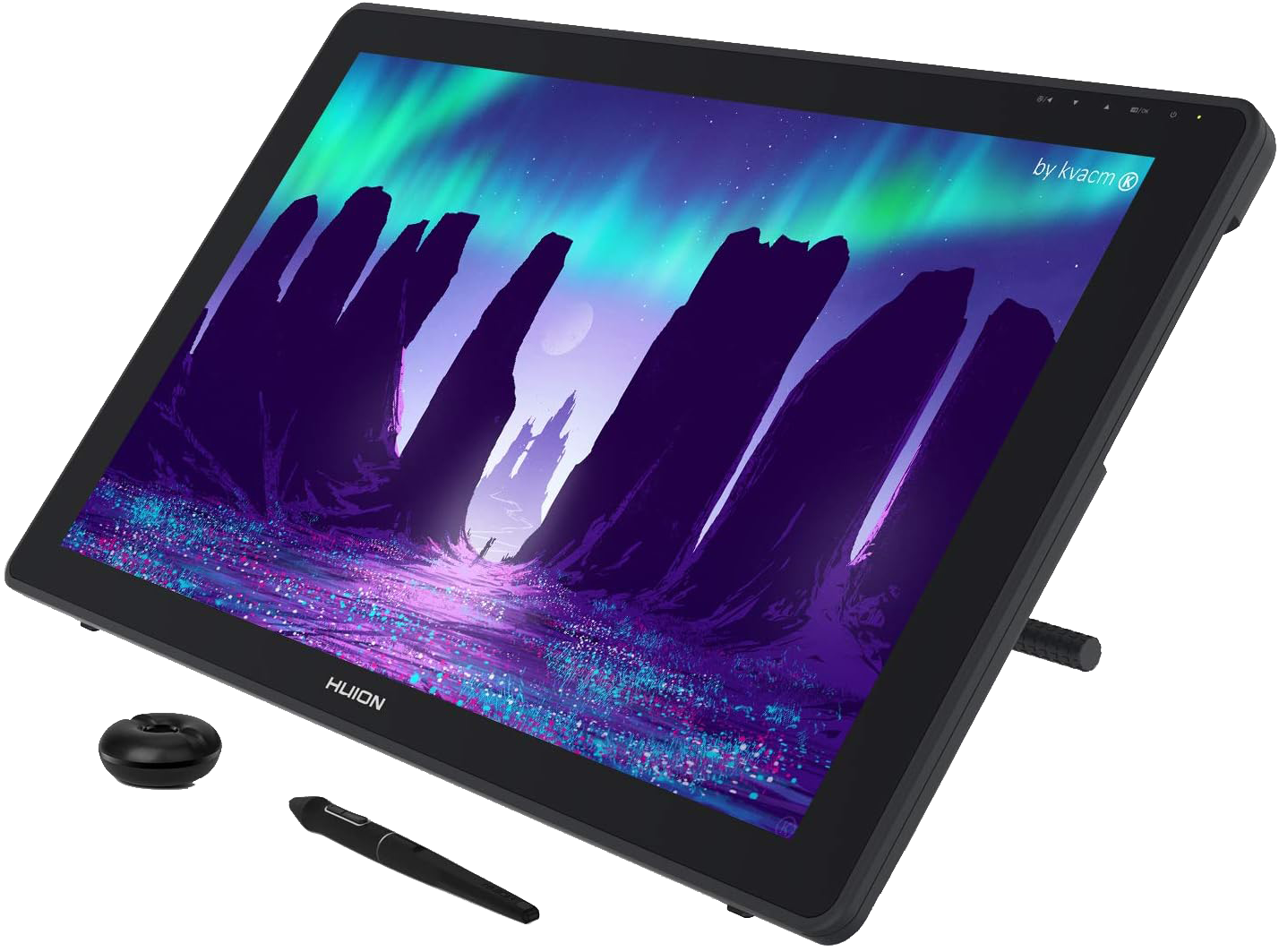
Tech Specs
- Screen Size 21.5 inch
- Resolution 1920 x 1080 (FHD)
- Color Gamut 140% sRGB
- Panel Type QLED Laminated
- Connectivity USB-C to USB-C
- OS Support Win, Mac, Linux, Android
Best For
The Good
- • Incredible color accuracy (Quantum Dot)
- • Etched glass screen (no screen protector needed)
- • PenTech 3.0 is indistinguishable from Wacom
- • USB-C Single Cable Connection supported
- • Includes Adjustable Stand
The Bad
- • 1080p resolution shows pixels at this size
- • No express keys on the unit (needs a remote)
- • USB-C cable sometimes sold separately
The Value King
There was a time when “Huion” meant “cheap knockoff.” That time is long gone. The Kamvas 22 Plus is a professional-grade instrument that punches so far above its weight class it’s embarrassing for the legacy brands.
The Screen
The “Plus” model uses a Quantum Dot (QLED) panel. This means colors are vibrant, deep, and incredibly accurate (140% sRGB). For a concept artist, color accuracy is non-negotiable, and this screen delivers better than many monitors twice its price.
The Feel
Unlike cheaper tablets that use a textured plastic film over glass, the 22 Plus treats the glass itself with an acid etch. This reduces glare and gives a permanent, paper-like texture that will never bubble or peel. It also minimizes parallax (the gap between pen tip and cursor) to near zero, thanks to full lamination.
Connectivity & Compatibility
Flexibility is a major selling point here. The unit features two USB-C ports, allowing for a clean single-cable connection (USB-C to USB-C) if your computer supports it, eliminating the notorious “3-in-1 cable mess” of older models.
It is also fully compatible with Windows, MacOS, Linux (Ubuntu), and Android devices, making it one of the most versatile displays on the market. An adjustable stand is included in the box, so you can find your perfect drawing angle right away.
[!NOTE] This is not a standalone computer. You must connect it to a PC, Mac, or Android device to work.
[!TIP] Need more pixels? If you love this tablet but want a sharper resolution (2.5K), check out the Kamvas 24 Plus. It’s the same great tech with a crisper screen.
Verdict
Unless you have a corporate budget for a $3,000 Cintiq Pro, this is the screen tablet you should buy. The 1080p resolution is the only compromise, but for painting, the workflow benefits of the 22-inch canvas outweigh the pixel density concerns.