TourBox Neo
The missing link in your creative workflow. Once your muscle memory locks in, you will never touch your keyboard again.
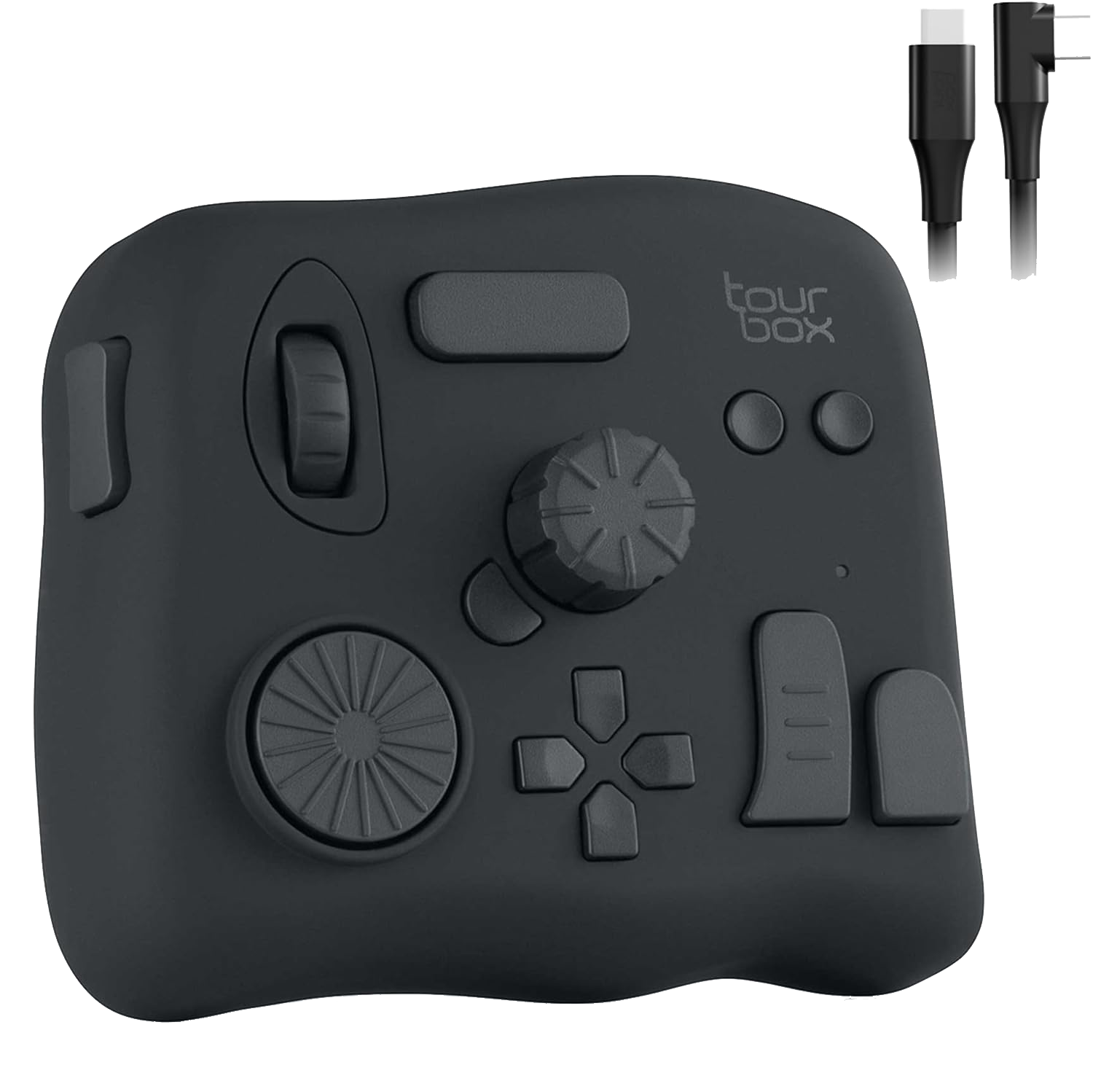
Tech Specs
- Controls Knob, Dial, Scroll, Buttons
- Connectivity USB-C
- Software TourBox Console
- Material Soft-touch Plastic
Best For
The Good
- • Drastically speeds up brush resizing/flow
- • Different shaped buttons allow 'blind' usage
- • Solid, weighty build stays put on desk
- • Great presets for Photoshop, Blender, Lightroom
The Bad
- • Steep initial learning curve
- • Wired only (unless you get the Elite)
- • Software must be running in background
Why You Need This
Keyboards were designed for typing spreadsheets, not for sculpting 3D meshes or painting landscapes. The TourBox Neo is a dedicated macro pad designed specifically for the left hand of a digital artist.
The Layout
The genius of the TourBox is that every button feels different. A scroll wheel, a knob, a dial, a tall button, a short button. Your fingers learn the landscape instantly, meaning you never have to look down. Adjusting brush size with a dial while painting feels infinitely more organic than tapping bracket keys [ ].
Workflow
In Blender, mapping view rotation and tool cycling to the TourBox turns sculpting into a dance. In Photoshop, controlling flow/opacity with a knob allows for dynamic shading that would be impossible with keyboard shortcuts alone.
Verdict
It takes about 3 days of frustration to set it up and learn it. On day 4, you will wonder how you ever worked without it. It is the single best peripheral for repetitive strain injury (RSI) prevention.