Wacom Intuos Pro (Medium)
The industry standard for a reason. Bulletproof reliability and precision that has powered Hollywood for two decades.
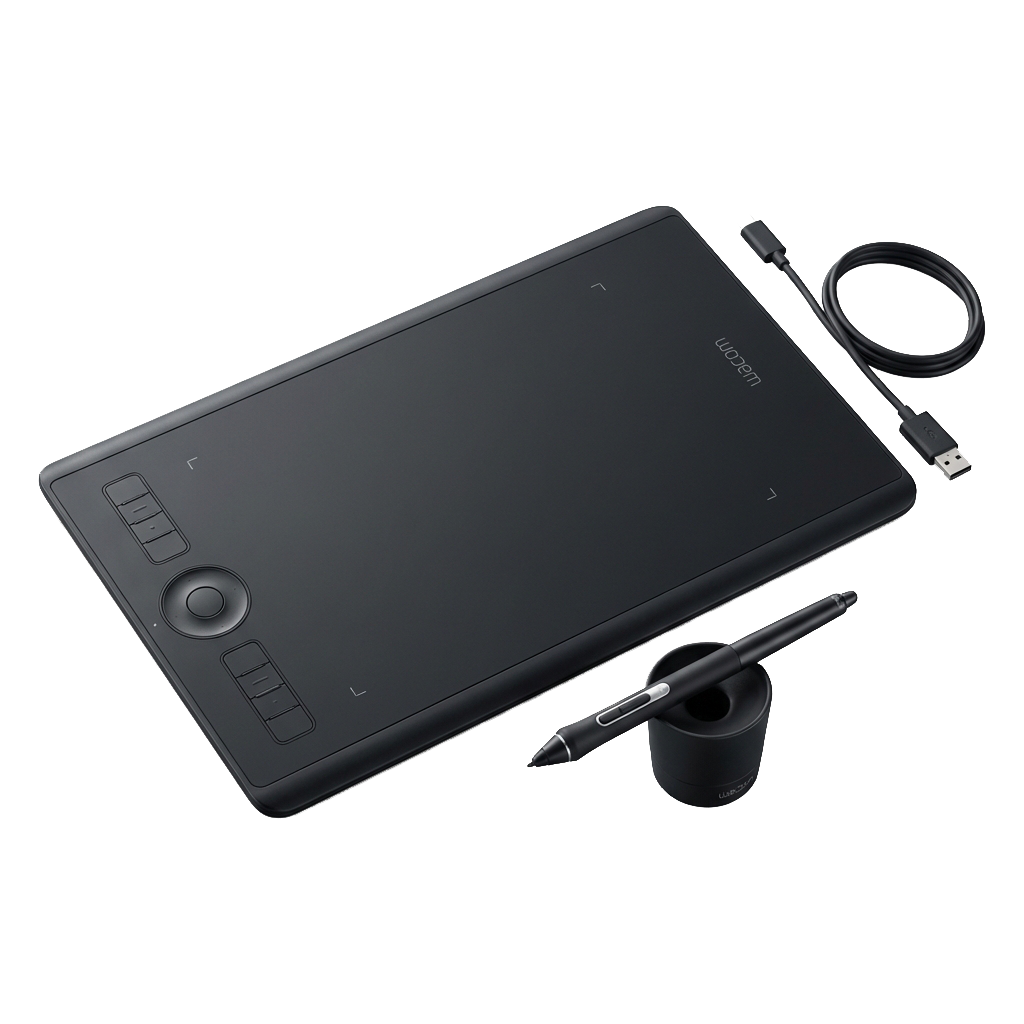
Tech Specs
- Active Area 8.7 x 5.8 inches
- Pressure Levels 8192
- Multi-Touch Yes
- Connectivity Bluetooth / USB-C
Best For
The Good
- • Indestructible build quality
- • The 'Pro Pen 2' is still the gold standard for pressure curve
- • Multi-touch gestures for zooming/rotating
- • Ubiquitous - walk into any studio and it works
The Bad
- • Expensive compared to Xencelabs/Huion
- • Surface eats nibs quickly (rough texture)
- • Bluetooth can be finicky on Windows
The Old Guard
For a long time, the Wacom Intuos Pro wasn’t just a choice; it was the only choice. While challengers like Xencelabs have taken the crown for value and ergonomics, the Intuos Pro remains a tank. It is built to survive nuclear war and deadline crunches alike.
The Pro Pen 2
The heart of the Wacom experience is the Pro Pen 2. It has a specific weight and activation force that many veterans have bonded with at a neural level. It feels “correct.” If you learned on a Wacom, switching to another brand can feel like writing with your non-dominant hand for a day or two.
Touch Features
One distinct advantage Wacom still holds is Multi-Touch. Being able to pinch-to-zoom and rotate your canvas with your fingers (like on a trackpad) without dropping your pen is a workflow flow-state inducer that is hard to give up.
Verdict
If you are joining a major studio pipeline, you will likely be issued one of these. It is reliable, precise, and professional. However, for a personal setup, you are paying a “brand tax” that is harder to justify in 2025.